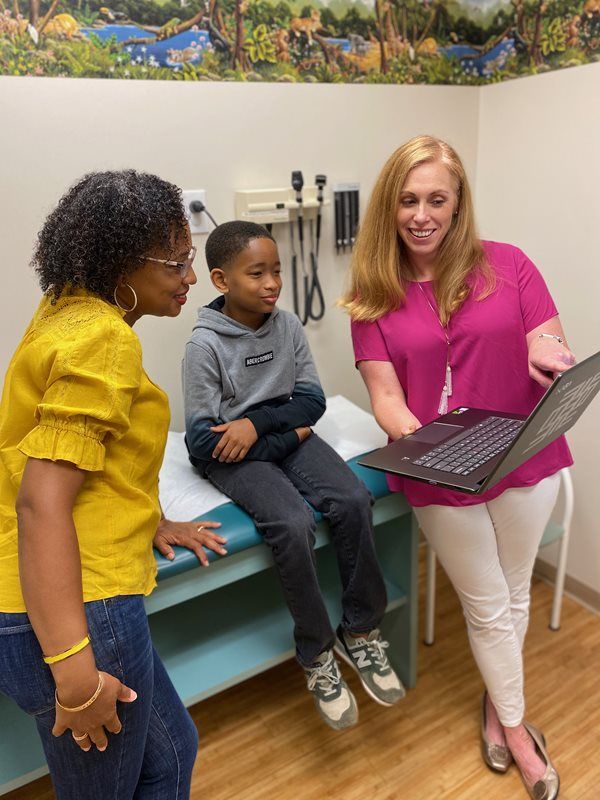
Telemedicine
Once You Have Scheduled Your Appointment With Our Office
Please read through the tips and instructions below before clicking on the link to begin your appointment with your scheduled provider at the time of your visit.
Tips and Instructions for a Great Telemedicine Visit
- Visits work with your smartphone or a computer with an enabled camera and microphone.
- Once you have signed in, using your providers link below, you will be in the waiting room. Our nursing staff will call you at the appointment time to gather information and ensure you have not had any issues logging in. Your provider will then sign in and begin your visit. There is no need to call us.
- Have your child with you in a well lit room that is as quiet and distraction-free as possible.
- It may be helpful to have your child's weight and the name and location of your pharmacy ready.
Click below on the provider's name that you are seeing for your telemedicine visit: